Approval Module
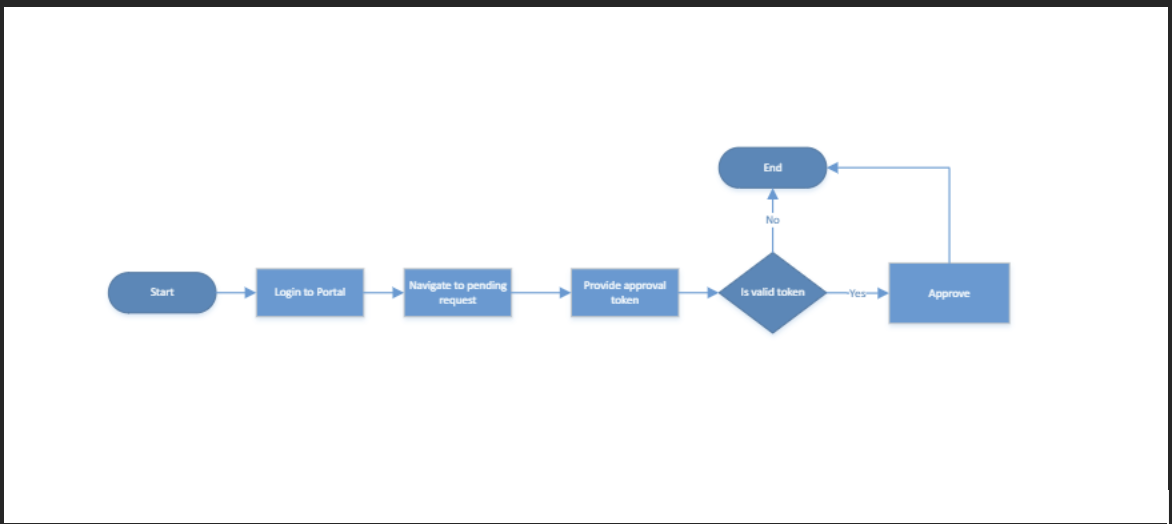
Process
-
The user navigates to approval request page and clicks on pending request.
-
The user selects and clicks on approve on the pending request table action column.
-
The user is requested to enter the approval token and click on submit.
-
Based on the approval setup, if the user is the only approver, the instruction eill be approved.
-
If other approvers are required, they will go through the dame flow listed above to approve the instruction.